
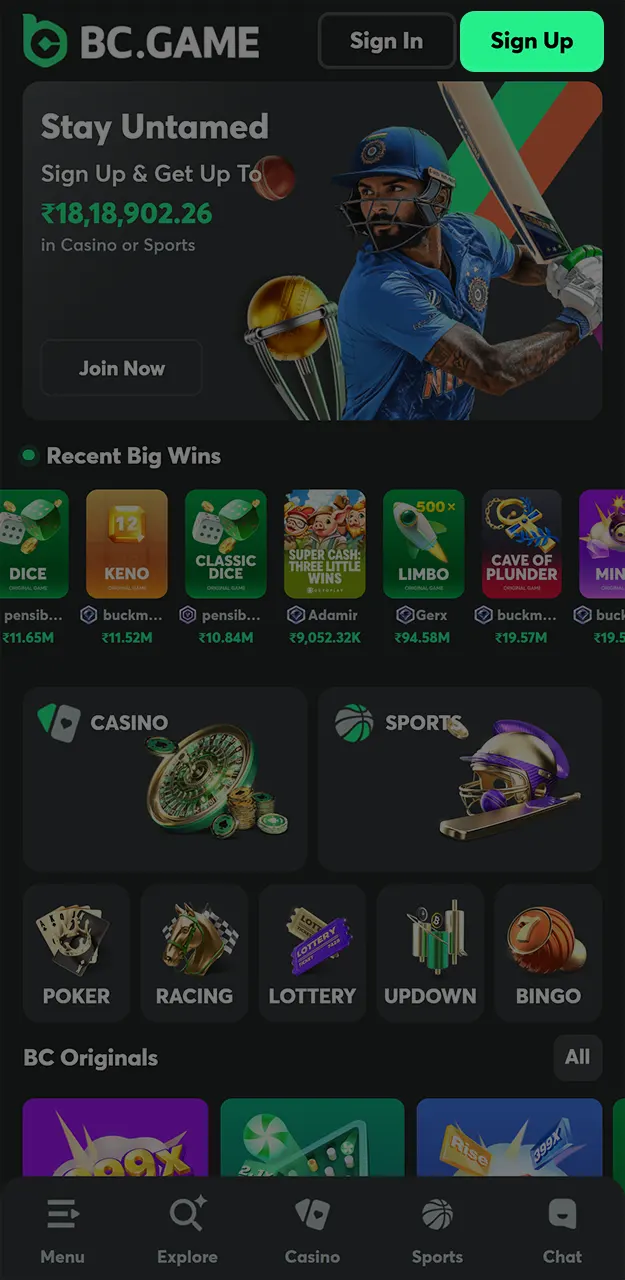
Improved App Stability and Performance
Recent updates improved load speed and reduced crashes on both Android APK and iOS versions. Navigation between sports, casino, and wallet sections now works faster during peak hours.
The mobile application gives direct access to sports betting, casino games, and account tools from one screen. Android and iOS versions support full functionality, including deposits, withdrawals, and live betting sections. Install the app and claim up to $100 exclusive app cashback on the Quest page. The amount scales with your VIP level, and each account can claim it once. Mobile access suits users who prefer quick navigation without desktop use.
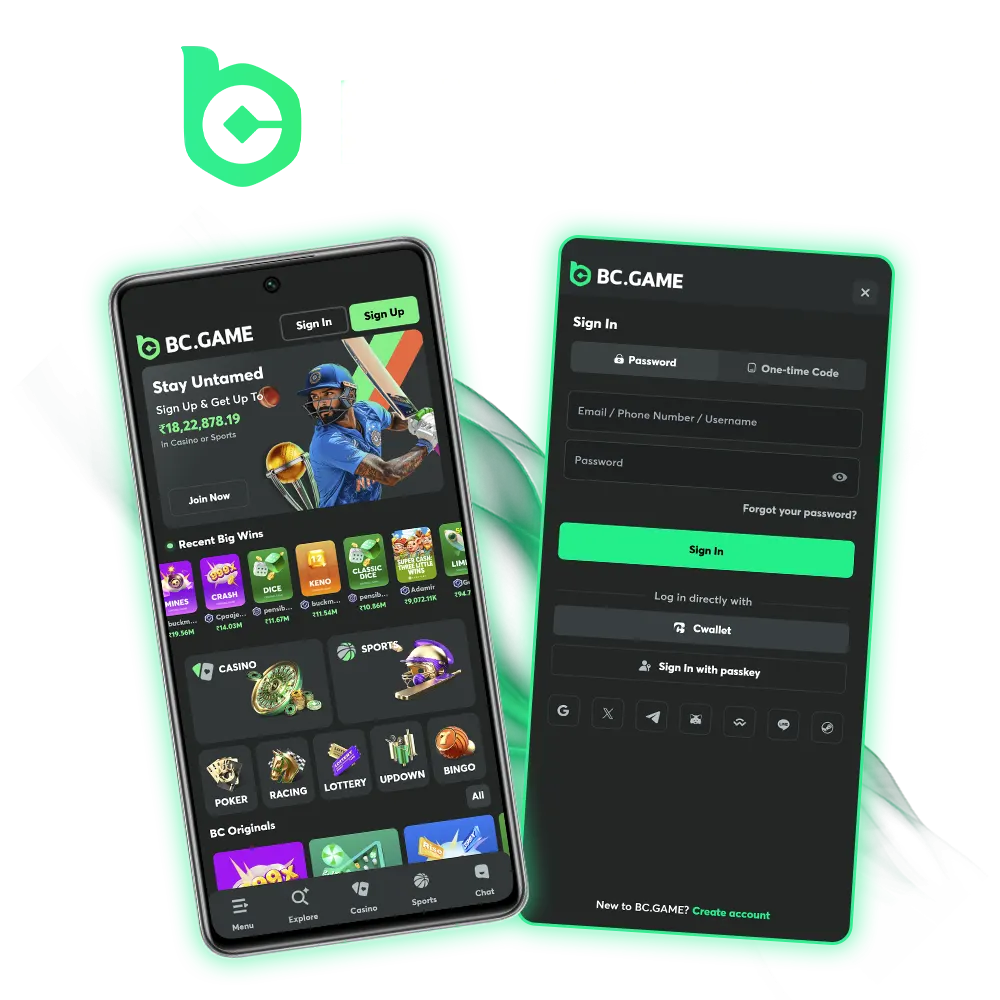
BC Game Application updates focus on stability, access speed, and feature control across Android and iOS devices. Each update targets usability, account tools, and betting sections without changing core rules. Below are recent highlights related to the mobile application.
Recent updates improved load speed and reduced crashes on both Android APK and iOS versions. Navigation between sports, casino, and wallet sections now works faster during peak hours.
Live betting screens received layout adjustments for better odds visibility and faster market refresh. Cricket and football live markets show quicker updates during match play.
The wallet section now displays rakeback rewards more clearly inside the app. App installation bonuses are credited directly to the rakeback balance after the first login.
Biometric login support expanded across compatible devices. Session control and device verification received additional protection layers.
Filters, search tools, and game previews received visual updates for easier selection. Game categories load with fewer steps compared to earlier versions.
Installing the mobile application opens access to bonus rewards that work alongside standard deposit promotions. App-related bonuses and redeem codes are credited after login and follow clear usage rules. The sections below outline the available options for Indian users.

After installing the application and logging in, open the Quest page and claim up to $100 exclusive app cashback. The amount scales with your current VIP level, and each account can claim this reward once.
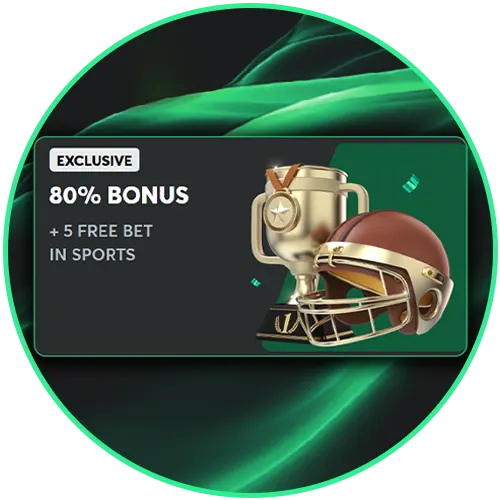
The deposit bonus covers your first four deposits, in the app and on the website. Your 1st deposit gets 180% and your 2nd 240%: deposit ₹1,000 the first time and you receive ₹1,800 in bonus, ₹2,800 to play. The bonus is credited in BCD and works in the casino and the sportsbook.

The 3rd deposit adds 300% and the 4th 360%, so the package reaches up to 360%. The bonus is released as you play, subject to the bonus terms, and the minimum deposit and maximum bonus for each tier are shown in the deposit window. New players also get a 20% welcome lossback up to $300.
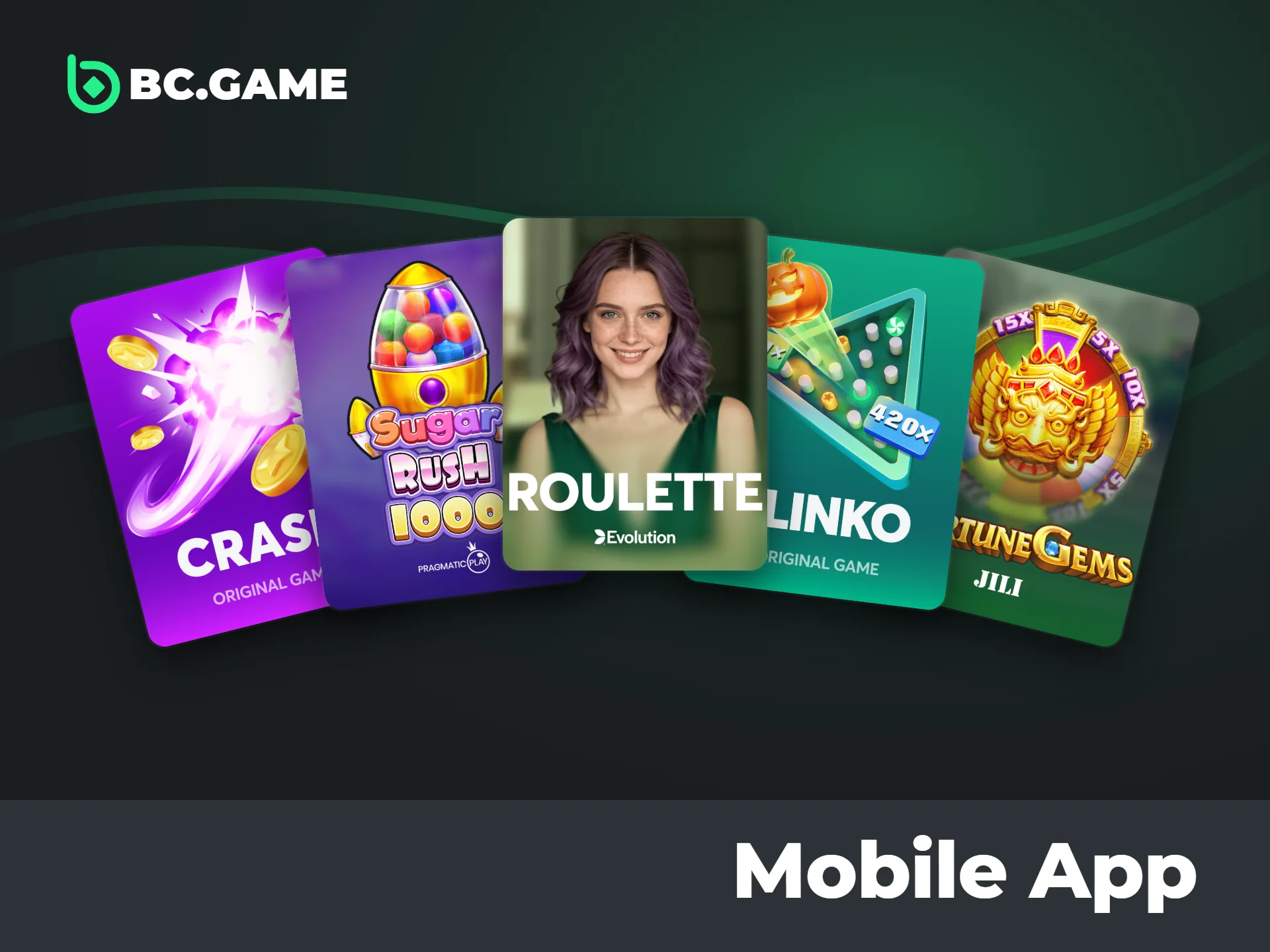
Hot games inside the mobile application attract attention due to stable payout settings, clear mechanics, and strong demand across sessions. Each title below comes from a recognized provider and includes defined RTP and volatility levels. These details help compare games before real-money play.

Sweet Rush Bonanza is developed by Pragmatic Play and uses a cluster-pay system instead of paylines. RTP averages around 96.5%. Volatility is high, with results tied mainly to bonus rounds and multiplier symbols. Cascading wins drive repeated outcomes within one spin cycle

Chicken Road 2.0 comes from InOut Games and follows a step-based risk format. The RTP set by the provider is shown in the game info panel. Volatility increases as the player advances further in each round. Manual exit timing controls final results

Wild Bounty Showdown is produced by PG Soft and uses a ways-to-win layout with cascades, gold symbols and multipliers that grow with each cascade. RTP sits at approximately 96.75%. Volatility is high, with payouts concentrated around feature activation

Sugar Rush 1000 is another Pragmatic Play release with cluster wins. RTP reaches about 96.5%. Volatility remains high, driven by multipliers that apply during bonus stages.

BC Game Roulette is an in-house title with real-time wheel logic. RTP aligns with standard European roulette at about 97.3%. Volatility depends on bet type, with straight bets carrying higher risk than outside bets

Fortune Gems 3 is developed by JILI and focuses on scatter-triggered features. RTP averages near 96.2%. Volatility sits at a medium-to-high level, with balanced payouts between base spins and bonus rounds
The mobile application brings core platform tools into a compact format designed for daily use. Features focus on access speed, control, and flexibility across betting and account sections. The list below highlights key benefits for users in India.
The table below lists technical and functional details with clear numeric values for quick reference. All data applies to mobile access in India.
| App Detail | Information |
|---|---|
| Supported Systems | Android 8.0+ (APK), iOS 13.0+ (App Store) |
| App Size | Android ~45 MB, iOS ~120 MB |
| Installation Bonus | Up to $100 app cashback (Quest page) |
| Bonus Claim Limit | 1 time per account |
| Login Methods | Email, phone, 6+ social options |
| Supported Languages | English, Hindi, and more |
| Sports Markets | 30+ sports categories |
| Casino Games | 8,000+ titles |
| Live Casino Tables | 200+ tables |
| Crypto Assets Supported | 60+ coins and networks |
| Wallet Processing Time | Fiat: instant to a few minutes; crypto: 5–20 minutes |
| Security Options | Biometric login, 2-step checks |
| Update Frequency | Multiple updates per year |
| Account Sync | 100% sync with web version |
Android installation uses the official APK file provided through the platform. The process takes only a few minutes and does not require third-party stores. Follow the steps below in order.
Scroll to the top of the platform and open the Application area. Select the Android installation option to access the APK page.
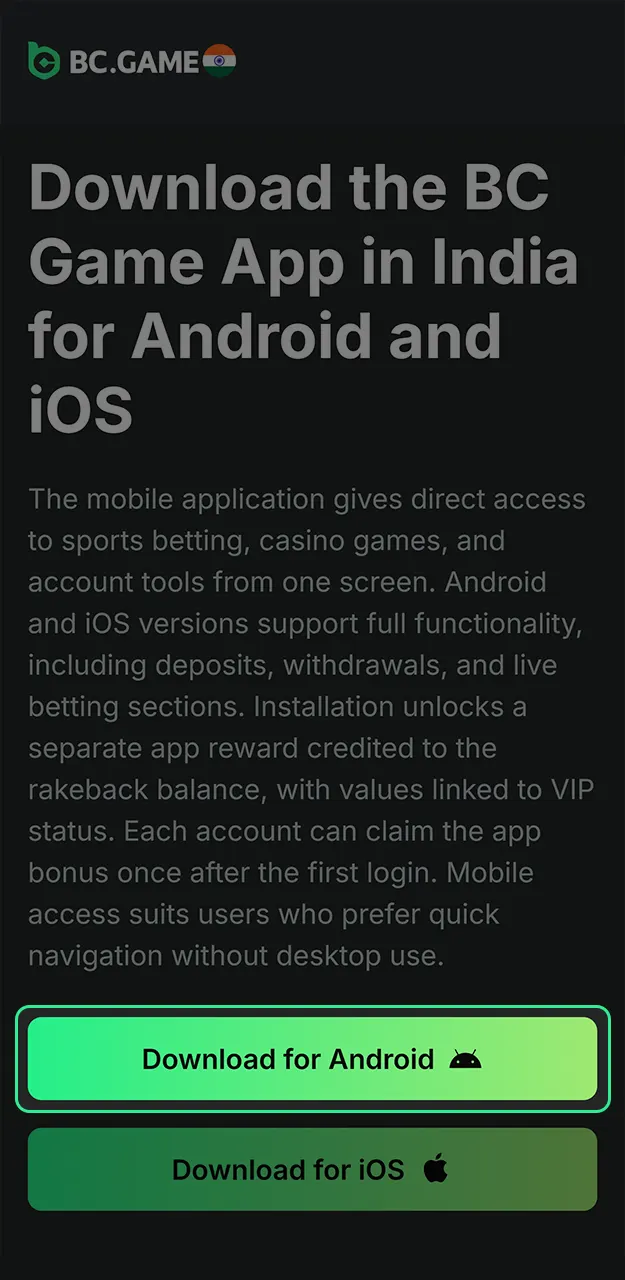
Tap the download button or scan the QR code to save the APK file on the device. File size stays around 45 MB.
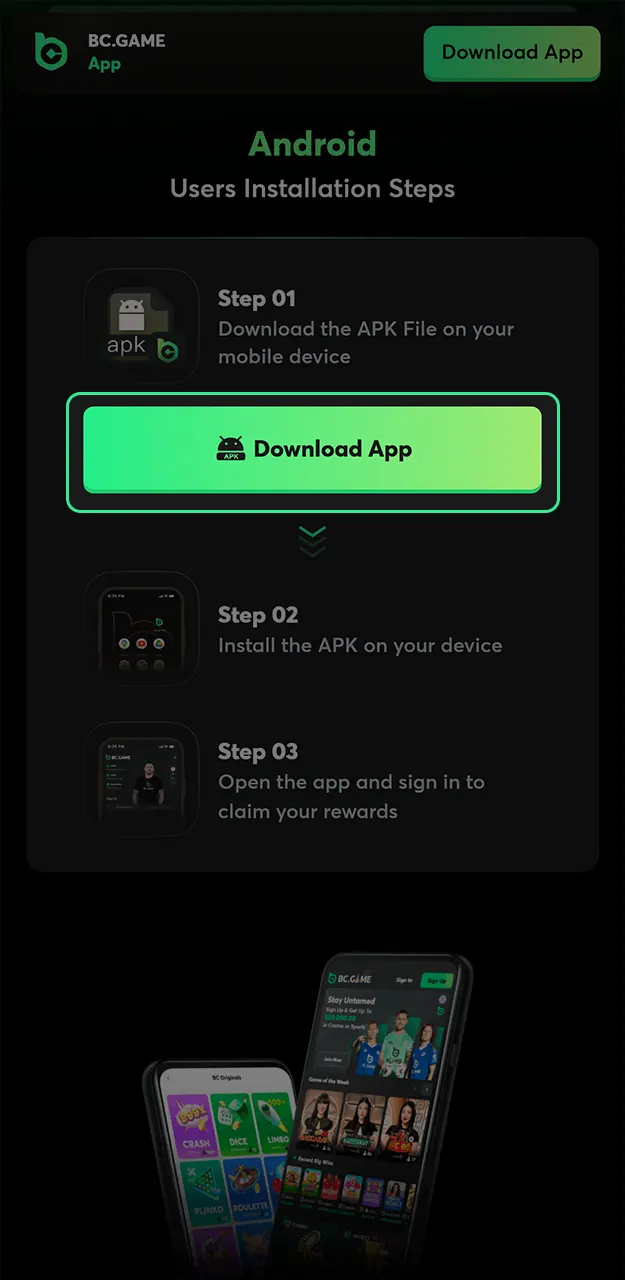
Open device settings and allow installation from unknown sources for the browser used. This step applies only once.
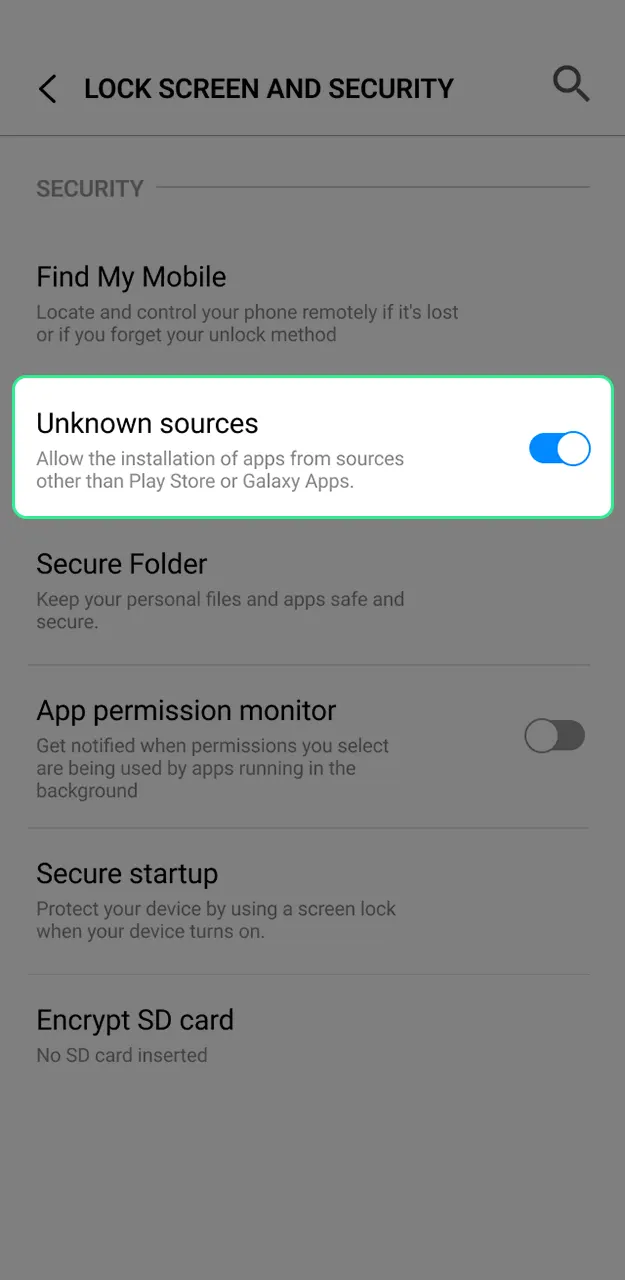
Open the APK file, complete the installation, and log in to the account. After the first login, claim your app cashback on the Quest page.
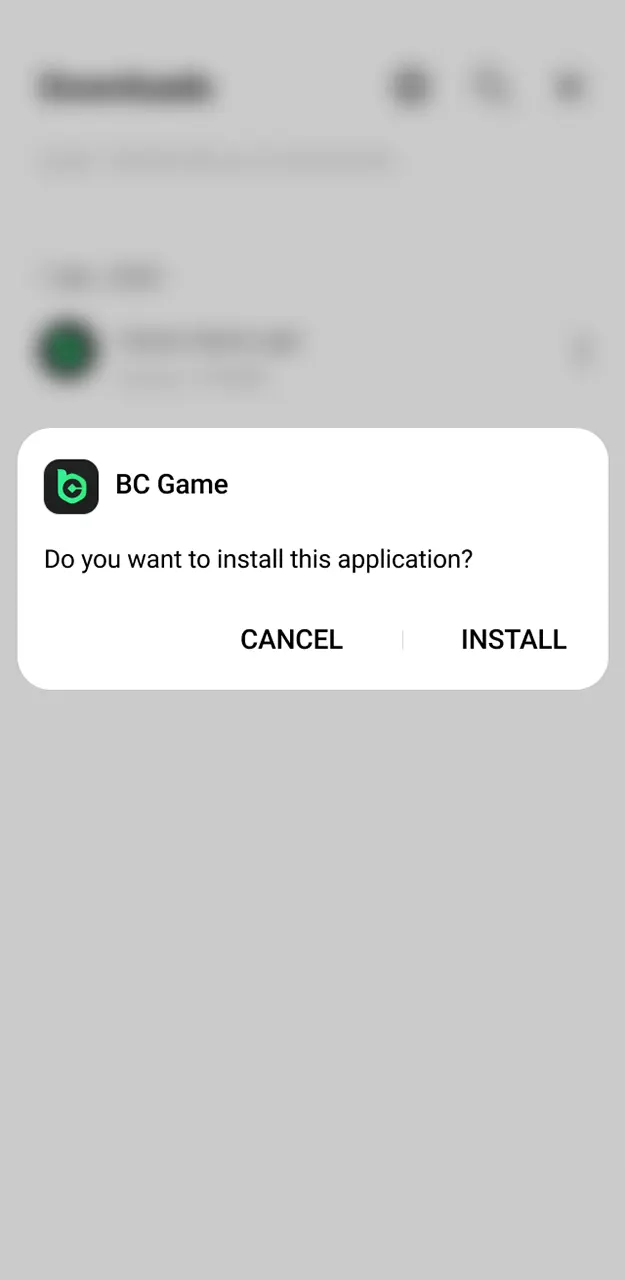
iOS uses the native BC Game app from the App Store, followed by a short unlock step on our app page. Each step appears directly on the screen.
Go to the top of the platform and choose the iOS installation option.
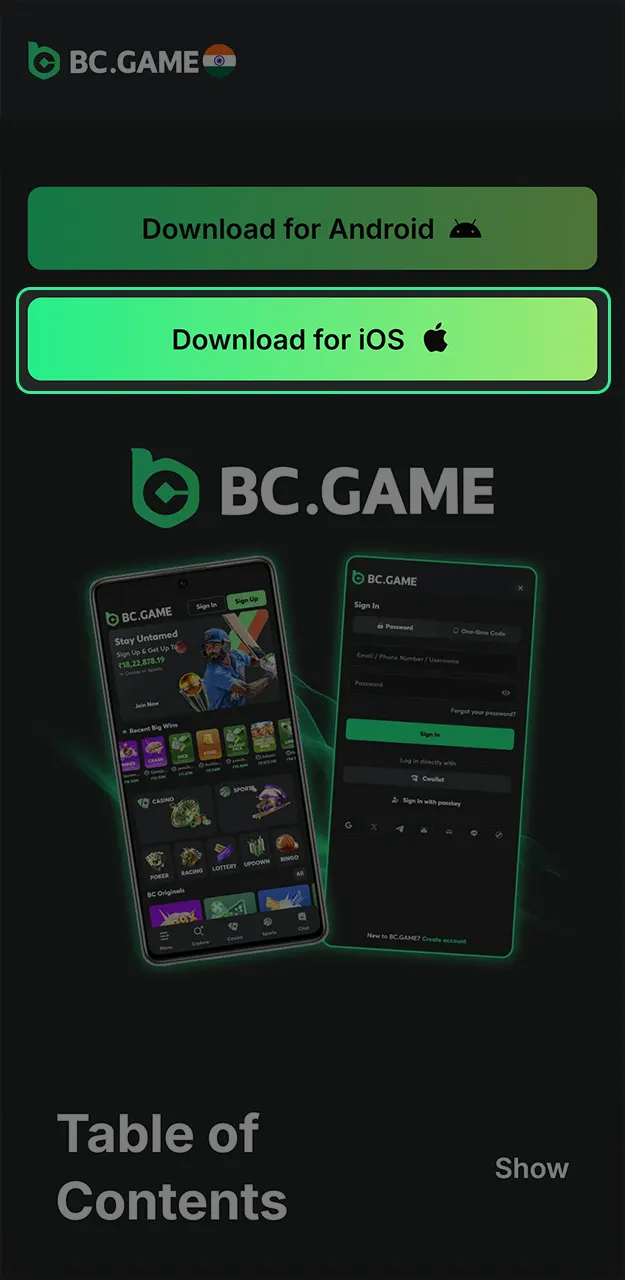
Scan the QR code or follow the App Store link to install the application. After downloading, return to the BC Game app page.
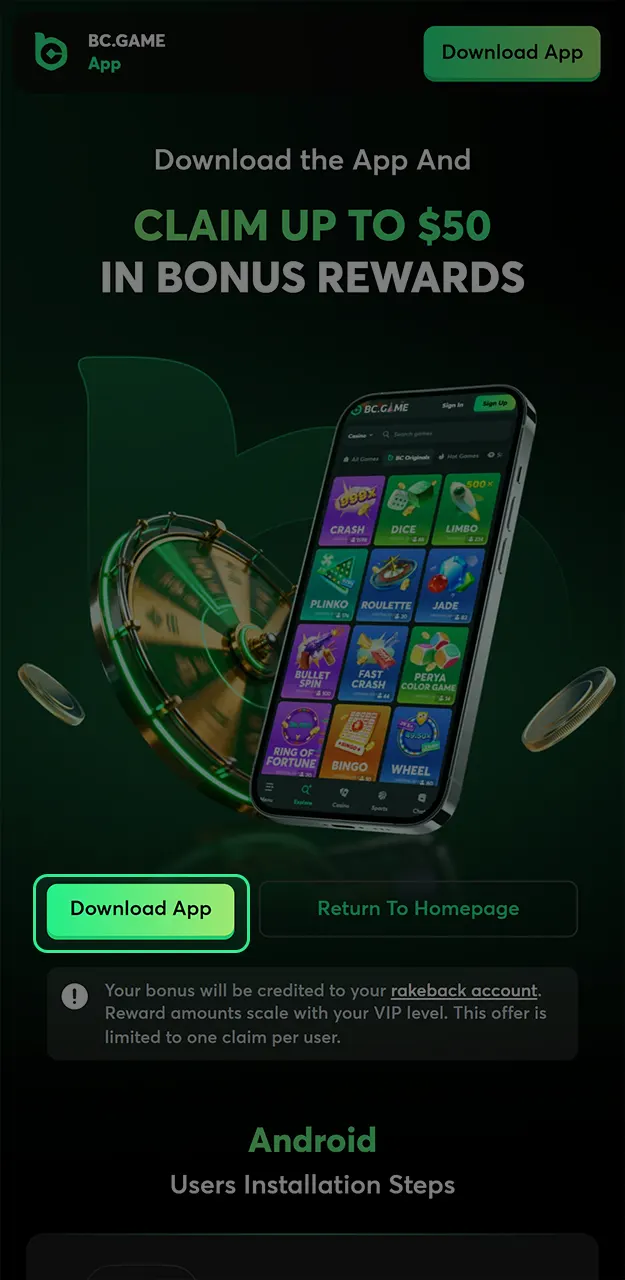
Tap Unlock your app on the BC Game app page (on desktop, scan the unlock QR code) to activate the app.
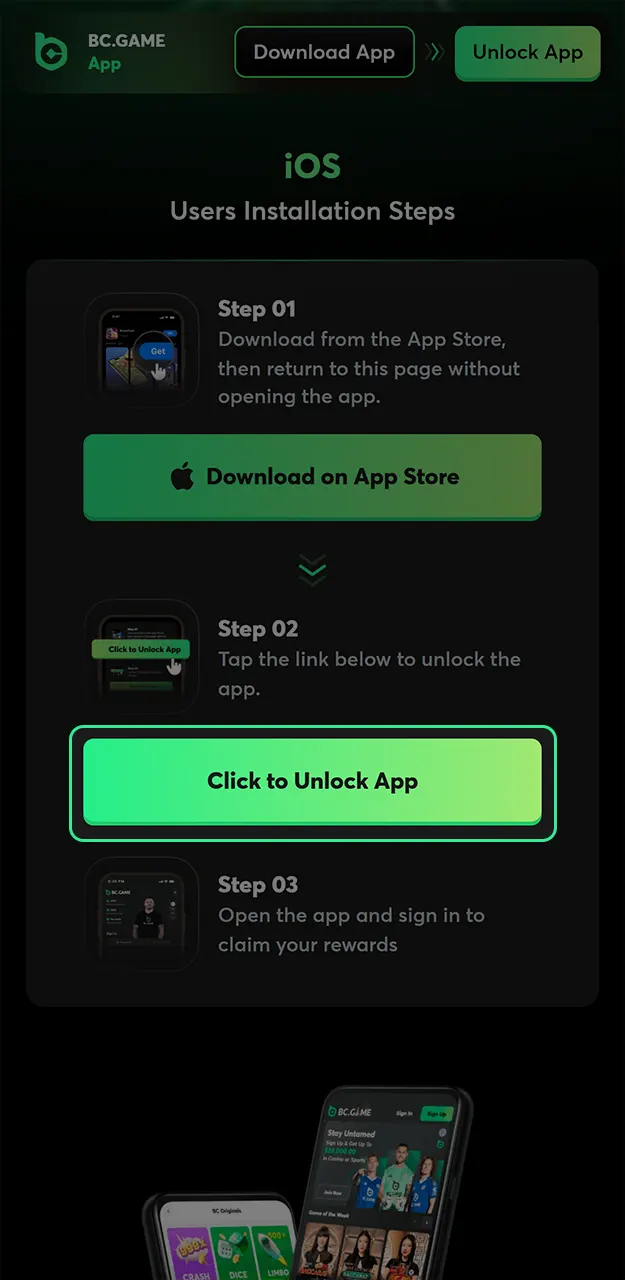
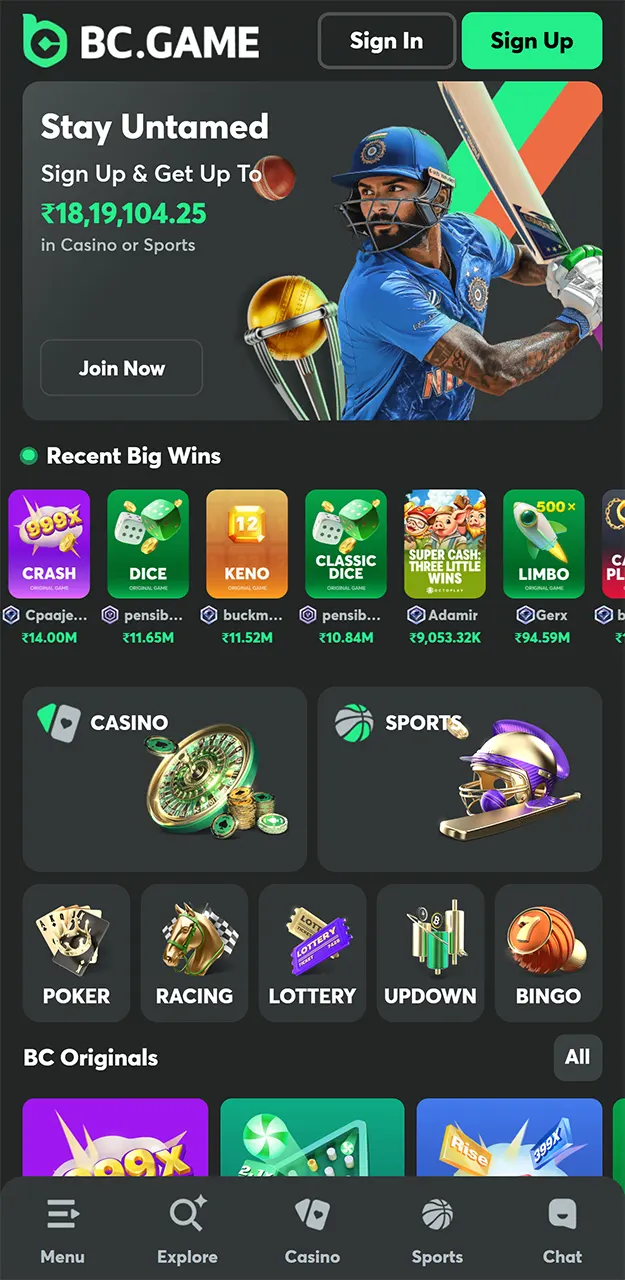
Launch the app and log in to the account. Then open the Quest page to claim up to $100 app cashback.
Most installation problems take less than a minute to solve. Here are the issues Indian players report most often and how to fix them.
Still stuck? Our 24/7 support team will walk you through it in live chat.
Yes – the BC Game APK is safe when you download it from the right place. We publish the official file only on this app page and through the links on our site. Never download “BC Game” from third-party APK stores, file-sharing sites or links sent in chats: modified copies can steal your login details or wallet data.
A few simple checks keep you protected:
The app runs on the same licensed platform as the website, operated by Twocent Technology Limited. Details are on our licence page.
Both access formats provide full platform functionality, though usage style differs by device. The table below compares key aspects to help choose between mobile application and website access.
| Feature | Mobile Application | Website |
|---|---|---|
| Access Type | App installed on the device | Browser-based access |
| Supported Devices | Android, iOS | Desktop, tablet, mobile |
| Login Speed | Faster with saved session | Depends on the browser |
| App Bonus | Available after installation | Not available |
| Live Betting Access | Optimized for touch use | Standard layout |
| Casino Games | Full access | Full access |
| Demo Mode | Available for selected games | Available for selected games |
| Wallet Access | Built-in crypto wallet | Web wallet interface |
| Notifications | Push notifications | Browser notifications |
| Updates | App updates required | Updates apply automatically |
| Data Usage | Lower after install | Higher via browser |
| Offline Access | Not available | Not available |
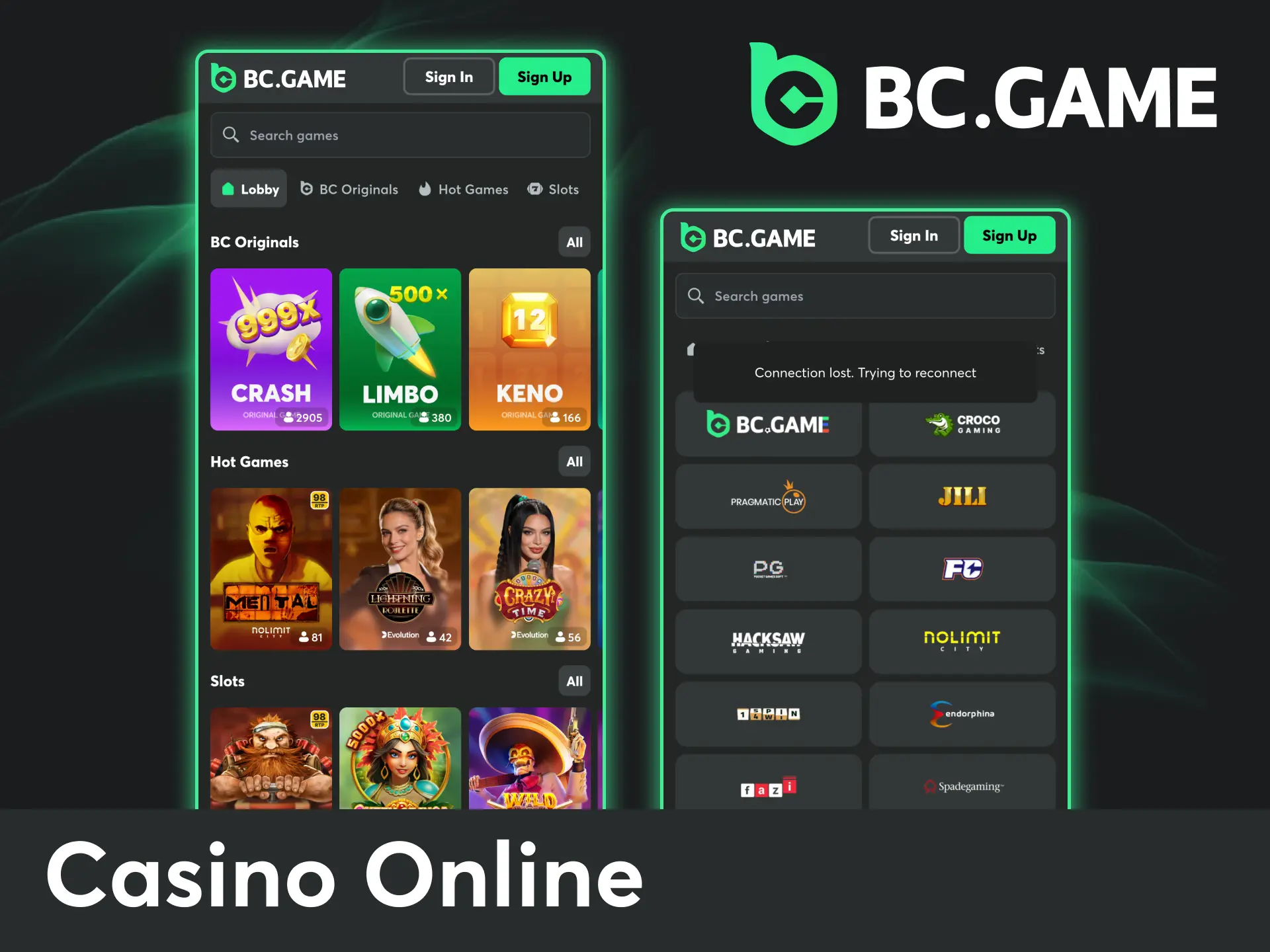
The casino section inside the mobile application combines a wide range of digital games designed for different play styles and session lengths. Access covers slots, live dealer tables, and original formats through a single interface. Game cards display RTP values, volatility levels, and feature descriptions before play starts. Sorting tools allow filtering by provider, theme, bonus mechanics, and popularity. Selected titles support demo mode, which helps review rules and payouts before real balance use.
Live casino games stream real dealers directly to the mobile screen with constant interaction and visible outcomes. Each table follows fixed rules and shows limits clearly before entry. Providers host sessions from professional studios with stable video quality.

Live blackjack tables follow classic card rules with real dealers and physical cards. Table limits vary, which helps match different balance sizes. Side bets appear on selected tables

Roulette sessions use physical wheels streamed in real time. Betting layouts include inside and outside options with clear countdown timers. Results appear instantly after each spin

Baccarat tables focus on fast rounds and simple betting choices. Scoreboards track previous results automatically. Multiple table limits remain available throughout the day
Original games focus on instant rounds, probability-based logic, and manual risk control. Popular formats such as Crash and Plinko are built around transparent multiplier mechanics and fast decision-making. Each title allows players to adjust risk levels, payout targets, and round parameters before starting a session. Results appear immediately after confirmation, making these games suitable for short, high-tempo play.

Dice uses adjustable win chances with fixed probability logic. RTP stays close to 99%. Volatility changes based on selected payout odds
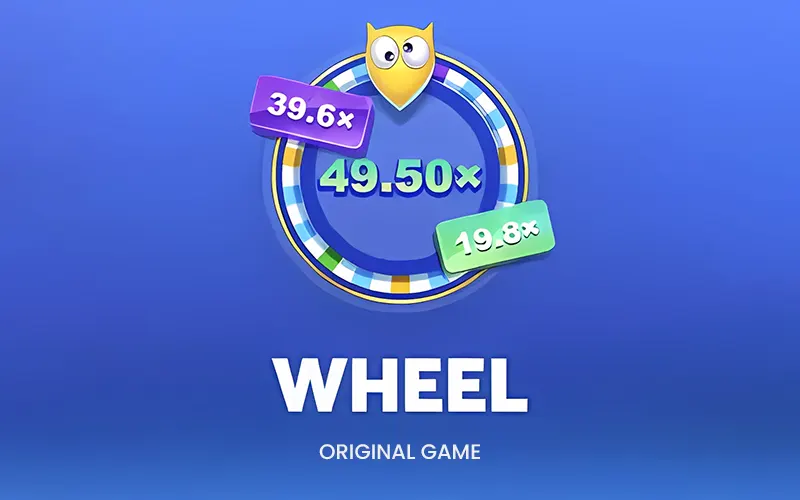
The wheel spins through preset multipliers shown before the round begins. Risk depends on the multiplier distribution. Each round completes within seconds
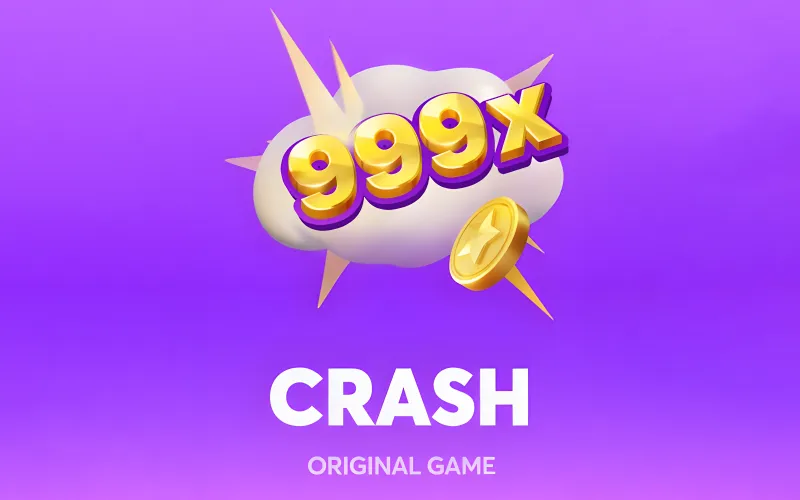
Crash follows a rising multiplier that can stop at any moment. Exit timing defines the result. RTP is 99% (house edge 1%) with high risk potential
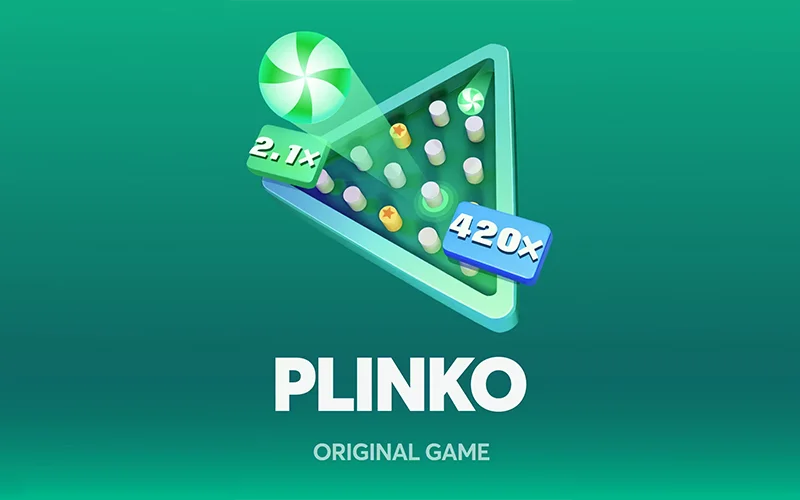
Plinko drops a ball through a pegboard toward fixed multipliers. Risk mode selection changes payout spread. Each drop ends the round

Tower Legend uses a step progression format with increasing multipliers. Risk rises at each level. Difficulty choice affects payout scale
Double runs fast prediction rounds with color-based outcomes. RTP stays near 98%. Rules remain simple, and rounds finish quickly
Slot games inside the application cover classic reels and modern bonus driven formats. Providers supply titles with different volatility levels and payout structures. Each slot shows RTP and feature details before launch.

This slot uses symbol drops with floating multipliers during bonus rounds. Volatility remains high. RTP averages around 96.5%
Sugar Rush 1000 focuses on symbol clusters and bonus multipliers. Volatility stays high with results driven by bonus stages. RTP sits near 96.5%
Fortune Gems 3 features scatter-triggered bonuses and steady payouts. Volatility stays between medium and high. RTP averages around 96.2%
Wild Bounty Showdown by PG Soft combines cascading wins, gold symbols and growing multipliers. Volatility remains high. RTP stays close to 96.75%

Money Coming 2 by JILI centers on special bonus symbols with fixed value collection. Volatility remains medium. RTP is about 97%

Super Ace follows a classic reel format with bonus symbol triggers. Volatility stays at a medium level. RTP remains close to 96%
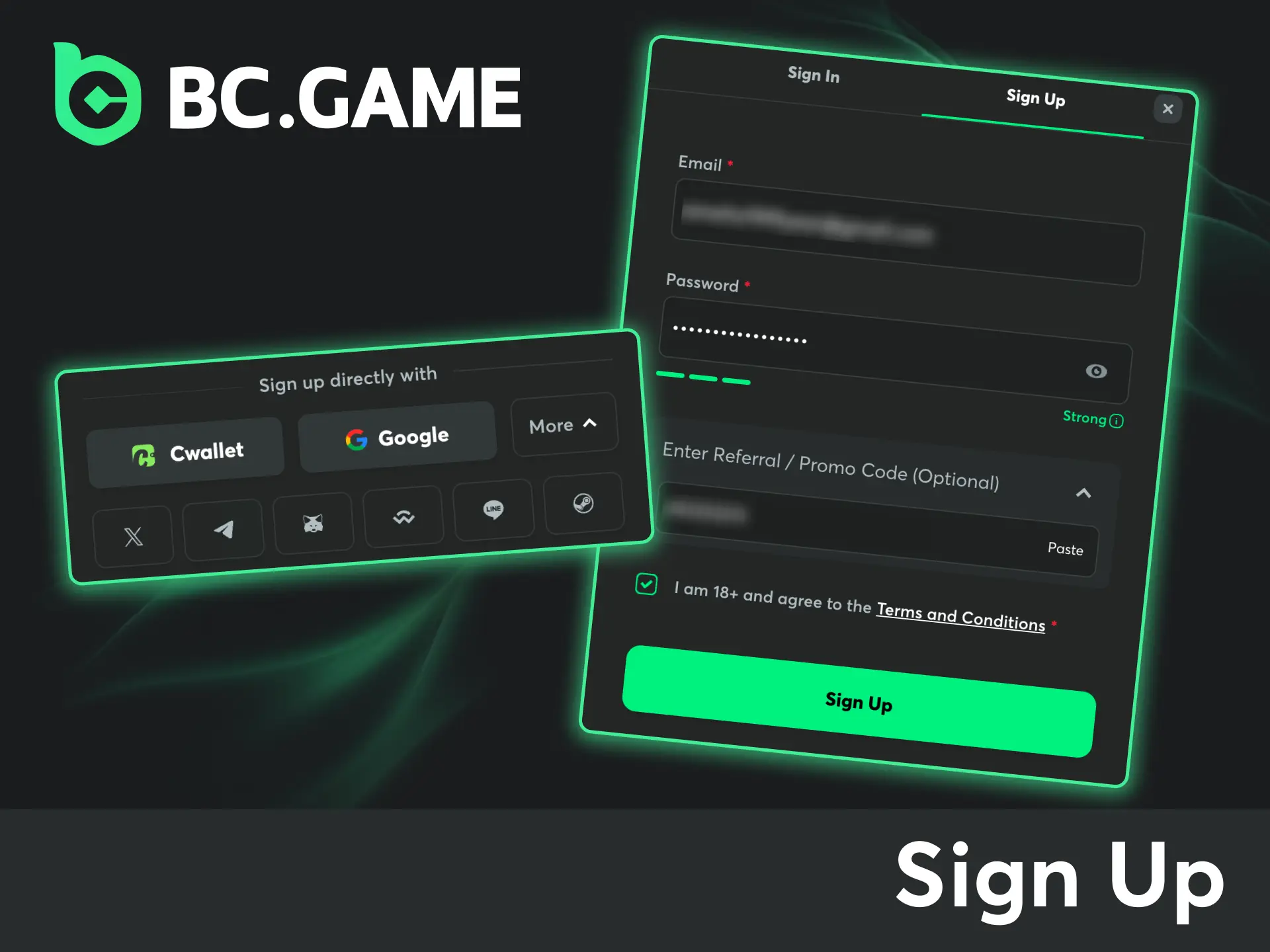
Account creation inside the mobile application takes only a few minutes and follows a clear order. Registration supports email and social options. After completion, access opens to games, betting sections, and available bonuses.
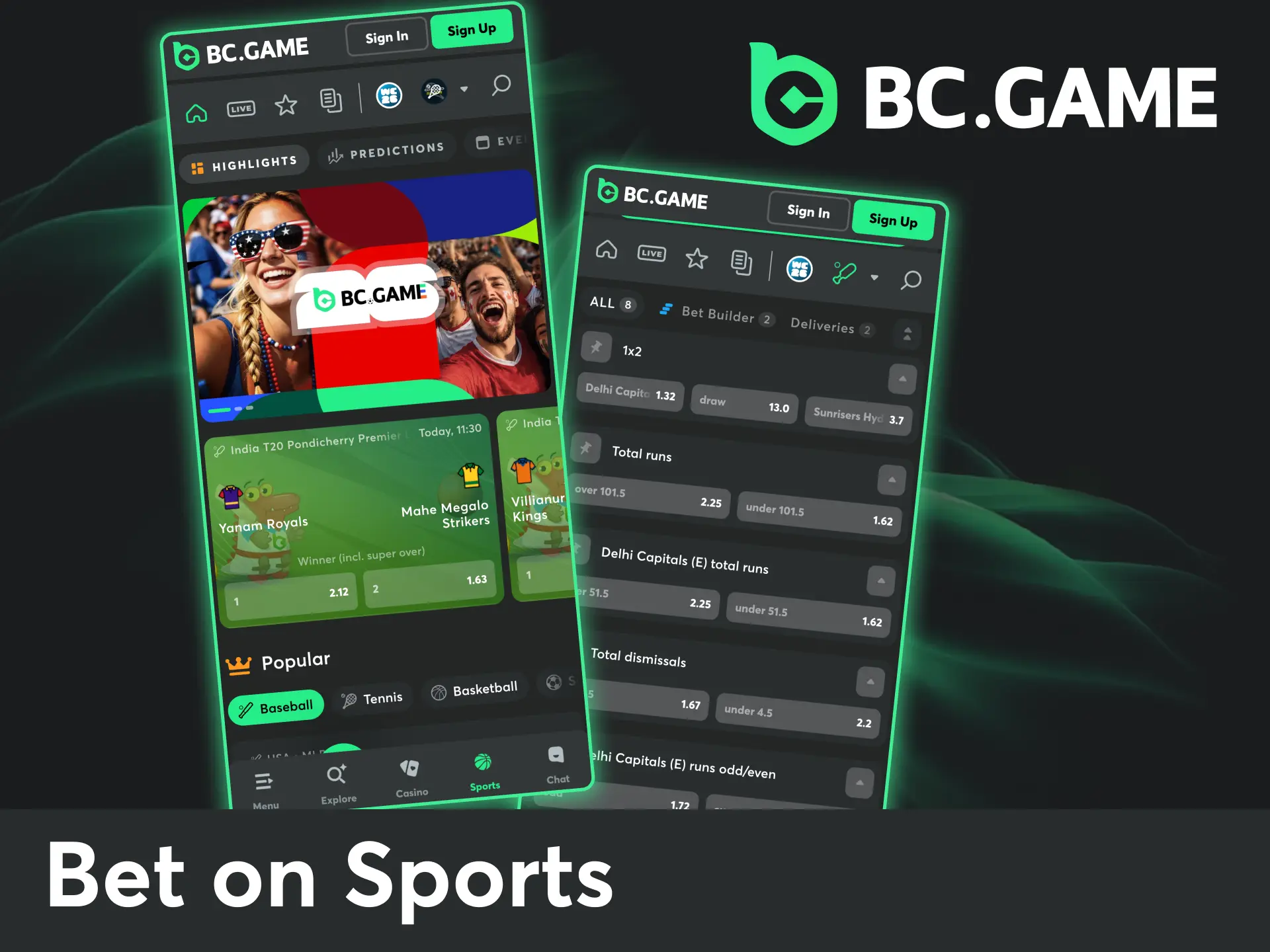
Sports betting through the mobile app covers international leagues and regional competitions in one place. Markets include football, cricket, tennis, basketball, and esports with pre match and live options. Odds update in real time and bets place directly from the event screen. Account balance, open bets, and history remain visible during sessions.
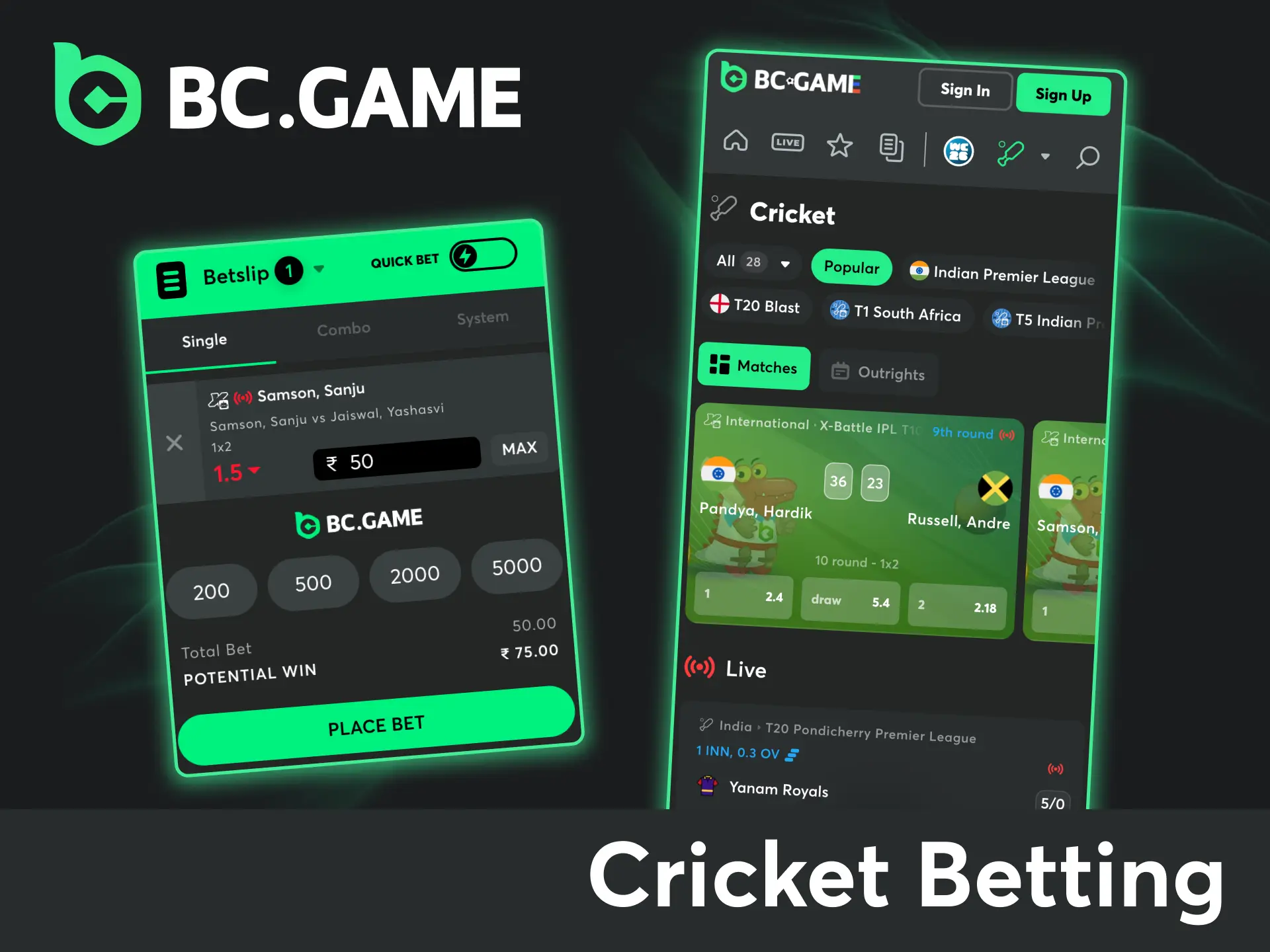
Cricket betting holds a central position inside the app due to strong demand from India. Coverage includes T20 leagues, ODI series, Test matches, and domestic tournaments. Live cricket markets update ball by ball with odds linked to match flow. Match statistics and score details appear next to active betting options.
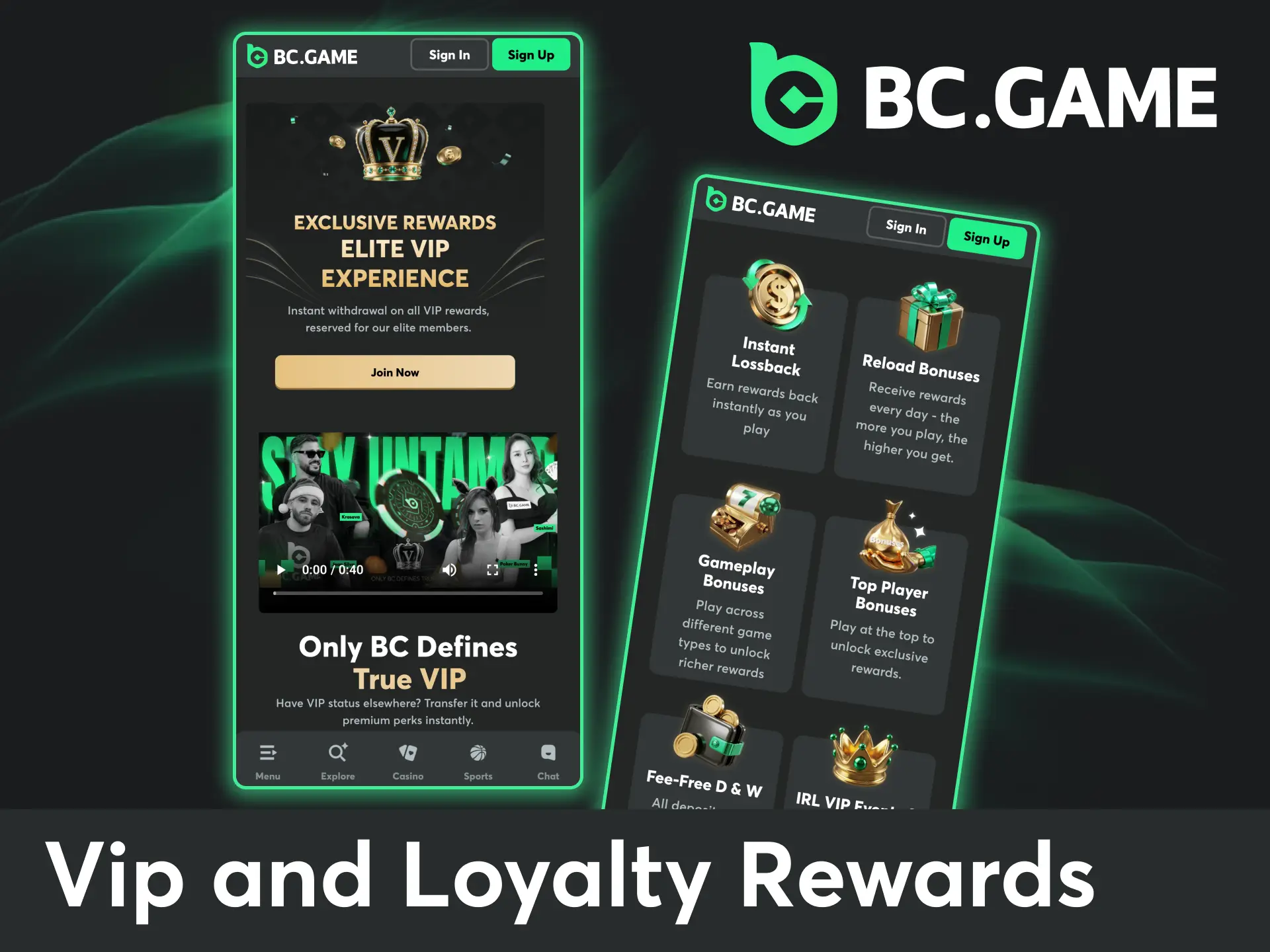
VIP and loyalty rewards inside the mobile app depend on activity volume and long-term participation. Cashback and lossback apply automatically, with rates increasing as your VIP level grows. Reload rewards appear on a daily basis and scale with recent play volume. VIP members also get access to exclusive bonuses and personal VIP host support at higher levels. VIP levels grow with your wagering, while the private VIP Club at the top tiers works by invitation.
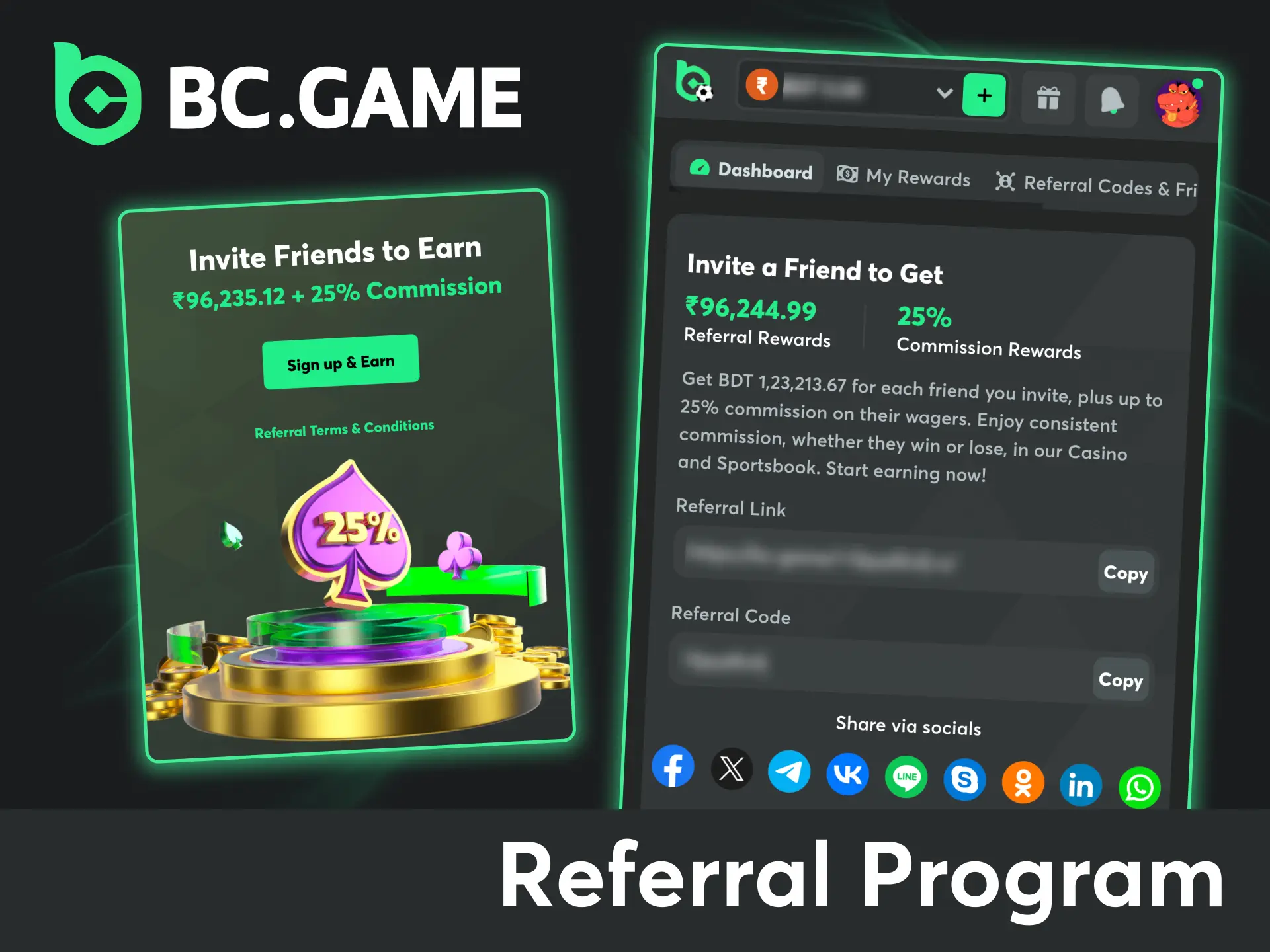
The referral program allows app users to earn commission through a personal referral link. Each successful referral can generate rewards up to ₹90,000 plus up to 25% commission based on referred activity. Earnings accumulate without limits and are automatically added to the account balance. Referral statistics, active users, and total income remain visible inside the account dashboard for tracking at any time.
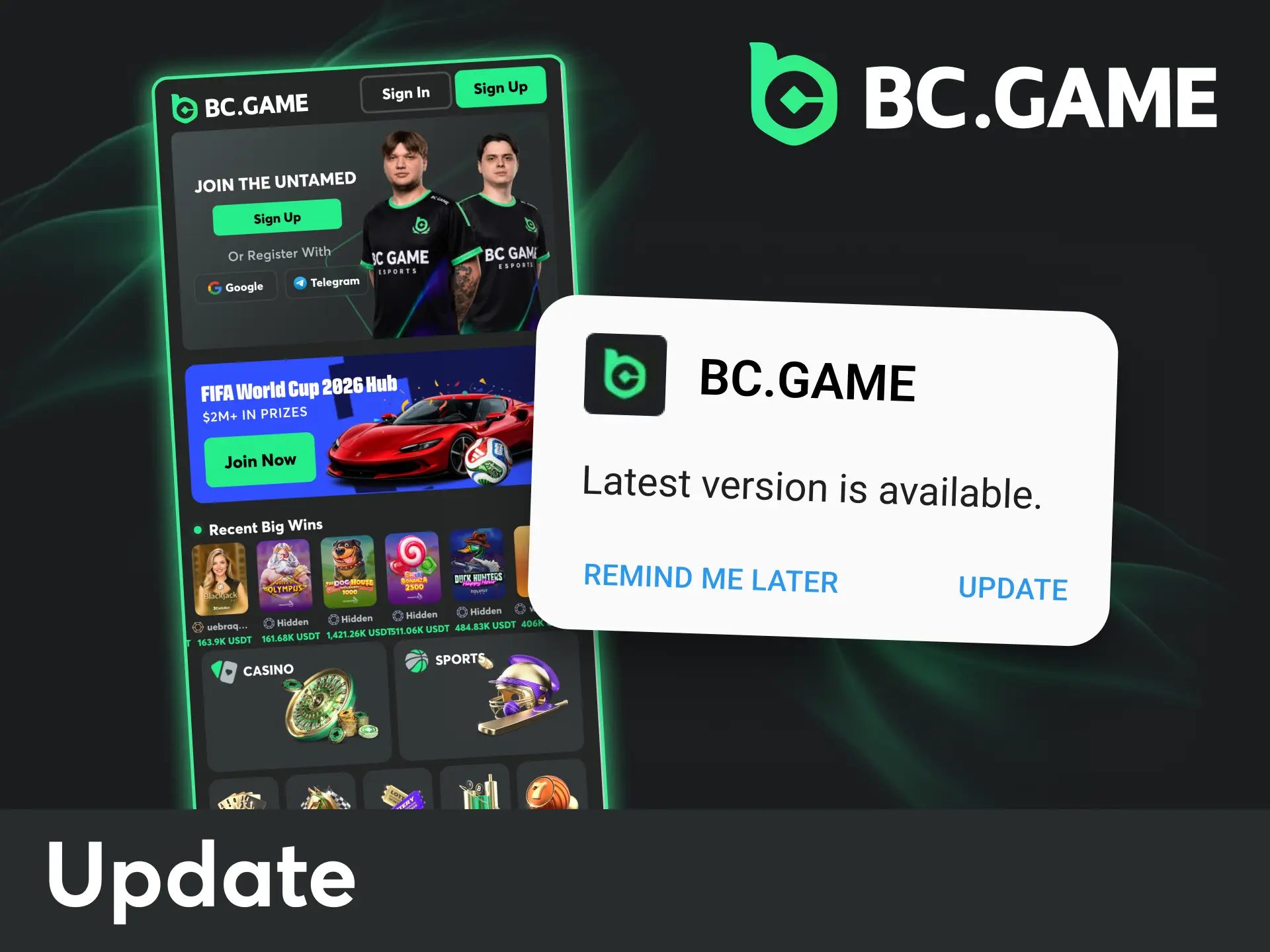
App updates keep access stable and add new features, security improvements, and performance fixes. The update process differs slightly between Android and iOS, though both follow a short sequence. Regular updates help maintain full functionality and compatibility.
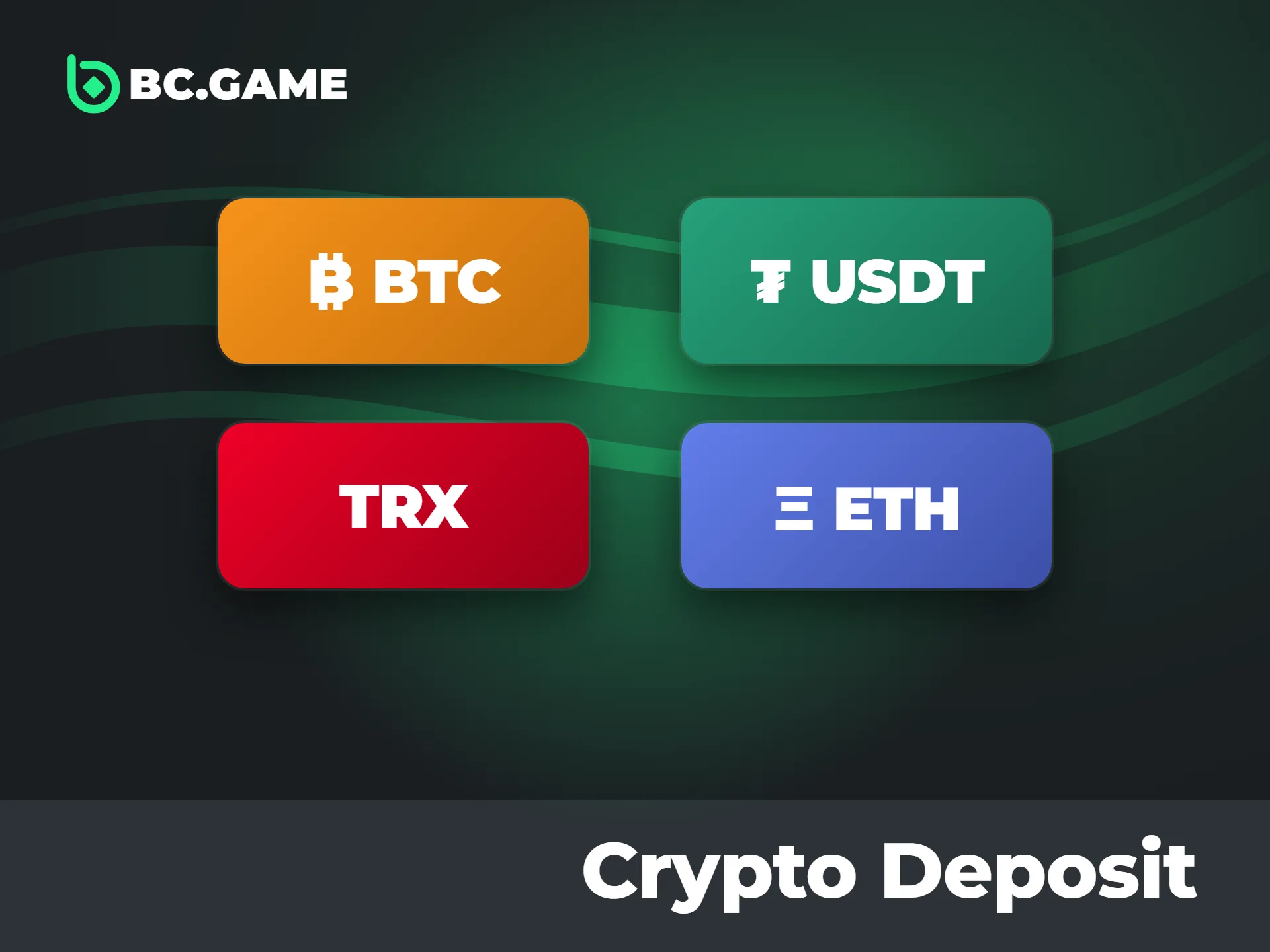
Deposits inside the platform follow a controlled process with clear limits and confirmation steps. Payment details appear before confirmation, which helps avoid errors and delays. Both local transfer methods and crypto options remain available for Indian users.
| Payment Method | Minimum Amount | Maximum Amount | Processing Time |
|---|---|---|---|
| UPI | ₹500 | ₹50,000 | Instant to a few minutes |
| Paytm | ₹100 | ₹50,000 | Instant |
| Google Pay | ₹100 | ₹50,000 | Instant |
| PhonePe | ₹100 | ₹50,000 | Instant |
| Cryptocurrency | Network based | Network based | 5–20 minutes after network confirmations |
All deposits are processed through encrypted connections. Limits and availability depend on the selected method and network conditions, with confirmation shown before final approval.
New to crypto? Funding your BC Game account with coins takes only a few steps. Most Indian players use local exchanges such as CoinDCX, CoinSwitch or Binance.
Always double-check the address and the network: coins sent on the wrong network can be lost. You do not have to use crypto at all, though – UPI, Paytm, PhonePe and Google Pay deposits in rupees work directly in the app. See all limits on our payment methods page.
Withdrawals through the mobile application follow a short and clear process with defined limits and confirmation steps. Funds move through selected methods after account checks and balance review. Status updates appear inside the wallet section after request submission.
| Withdrawal Method | Minimum Amount | Processing Time |
|---|---|---|
| UPI | ₹500 | 1–6 hours |
| Paytm | ₹2,000 | 1–6 hours |
| PhonePe | ₹600 | 1–6 hours |
| Cryptocurrency | Network based | 5–20 minutes after approval |
Processing speed depends on the selected method and network conditions. BC Game charges no internal fees, blockchain network fees apply to crypto, and your first withdrawal may require KYC. All withdrawals pass through internal checks before release, with final confirmation shown inside the app.
The mobile application follows the same legal and safety framework that applies to the main platform. It uses secure connections, encrypted login options, and standard verification checks to protect account access and personal data. The operator, Twocent Technology Limited, holds an international gaming license issued by the Autonomous Island of Anjouan under License No. ALSI-202410011-FI1. The company is registered in Belize under no. 41939. For Indian users, access depends on personal compliance with local laws and platform rules rather than a specific country-based permit. Regular updates and security patches improve stability and help maintain compatibility with device systems.
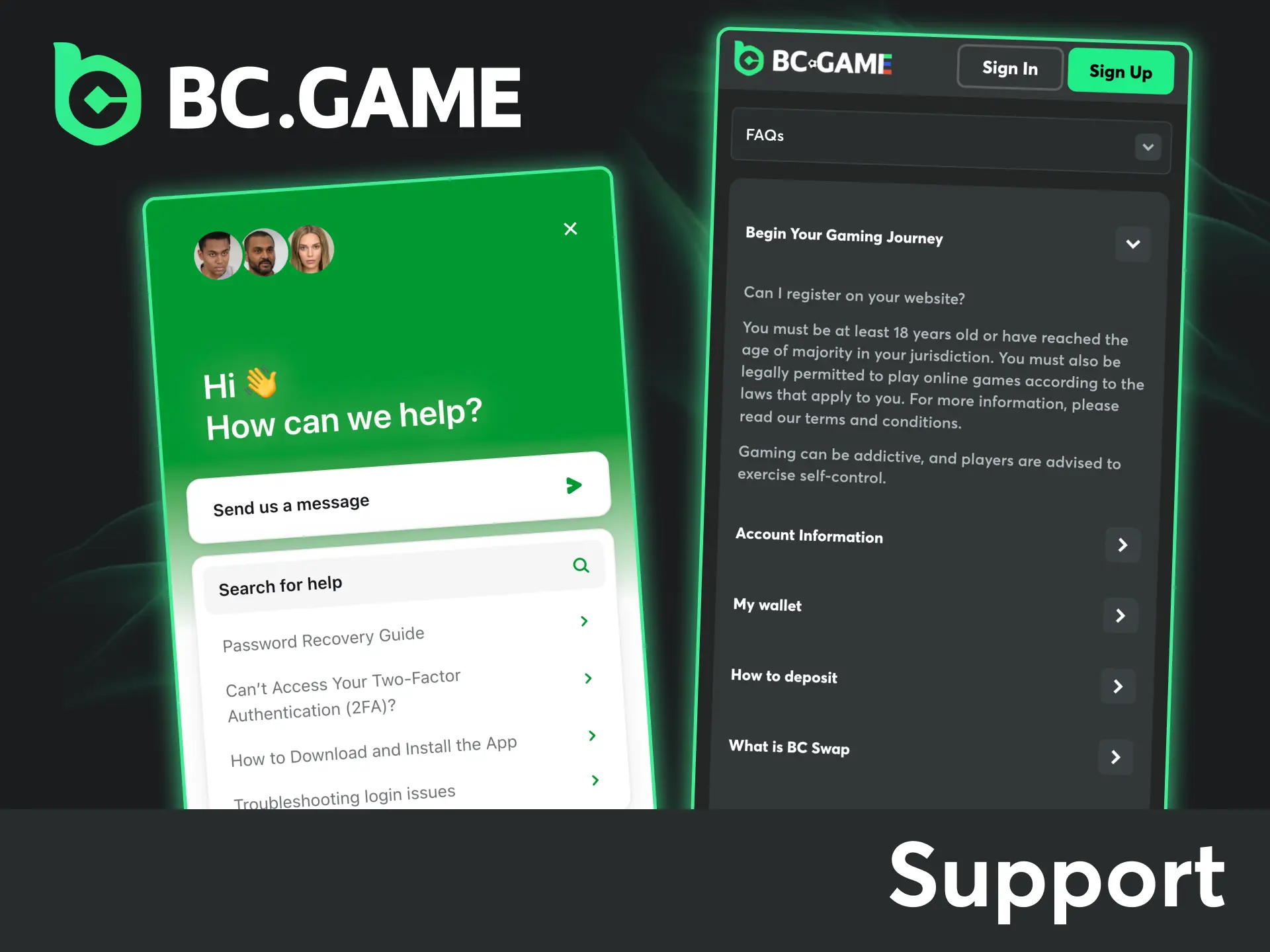
Support inside the mobile application works 24 hours a day and covers account access, payments, bonuses, and technical issues. Contact options appear directly inside the app and allow quick selection based on urgency.
Live chat and email remain available at any time, with live chat usually providing the quickest assistance.
Is BC Game safe? Yes. The mobile app uses encrypted connections, account verification and protected wallet access, and regular updates add security fixes and system checks.
Sign up, make a deposit and choose sports betting, casino games or BC Originals such as Crash. Each section shows rules, limits and controls before play begins.
Yes. Android users install the APK from our app page. iOS users download the native app from the App Store, tap Unlock your app on the BC Game app page and sign in.
Yes, the app supports real balance play after deposit confirmation. Demo mode is also available for selected casino games.
No. The app cashback of up to $100 is claimed once per account on the Quest page, while deposit bonuses work both in the app and on the website. See all current offers on our BC Game bonuses page.
Use 24/7 live chat inside the app or email [email protected]. Our social channels share news and updates but are not support lines.
We believe the BC Game app is one of the strongest choices for Indian players: a licensed platform since 2017, INR payments via UPI, Paytm and PhonePe, crypto, a full sportsbook with cricket and thousands of casino games, including our BC Originals. Whatever app you choose, pick a licensed one, play only if you are 18+ and set limits that suit your budget.
On Android, download the latest APK from our app page and install it over the old version – your account, balance and settings stay in place. On iOS, updates arrive through the App Store like for any other app.
Updated:
Comments